I have a soft spot for TIC-80. It is a free, open-source fantasy computer for making, playing, and sharing tiny games, and it is the one I hand to people who say "I want to make a game but every engine I open makes me feel stupid." TIC-80 does the opposite. You launch it, you get a black screen and a blinking cursor, you type a few lines, and something moves. That first little win is the whole reason fantasy consoles exist.
It was made by Vadim Grigoruk (Nesbox) and first released back in 2017. The idea is simple: take the constraints of an old 1980s 8-bit machine, fix them in place on purpose, and put a friendly modern toolkit around them. You are not fighting a giant engine with a thousand options. You are working inside one small, honest box.
| Spec | Value |
|---|---|
| Display | 240 x 136 px |
| Palette | 16 colors; default is "Sweetie 16", and you can customize it |
| Graphics | 8 x 8 sprite/tile system |
| Sprites / tiles | 256 foreground sprites, 256 background tiles |
| Sound | 4 channels |
| Languages | Lua, MoonScript, JavaScript, Ruby, Wren, Fennel, Squirrel, Janet, Python |
| Cartridge | .tic |
| Tools | Built-in code, sprite, map, sfx, and music editors, plus a console |
| Platforms | Browser, desktop (Windows / macOS / Linux), Android via F-Droid |
| License | MIT, free and open source |
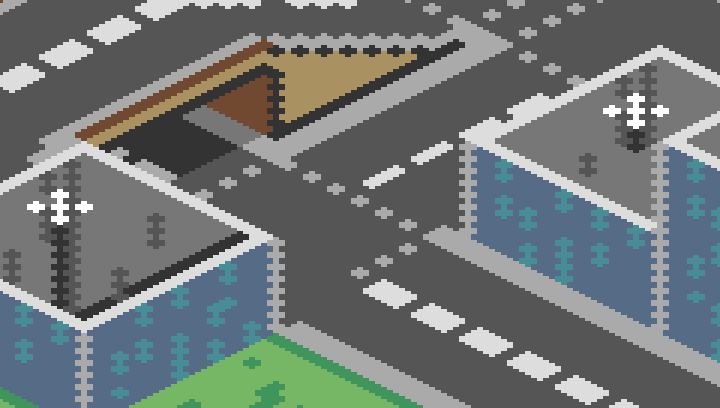
Read that table again, but this time notice what is not there. No "up to" anything. No GPU tiers, no settings you have to research before you start. The screen is 240 by 136 and it will be 240 by 136 tomorrow too. When the numbers can't drift, you stop worrying about them and start drawing.
If you'd rather watch than read, this is a good five-minute tour of what the thing actually is:
Here is the part I love. Open TIC-80, type new lua in the console, hit Enter, and you already have a working game. Not a blank file. A running demo. This is the cartridge it hands you:
-- title:  game title
-- author: game developer
-- desc:   short description
-- script: lua

x=96
y=24

function TIC()
  if btn(0) then y=y-1 end
  if btn(1) then y=y+1 end
  if btn(2) then x=x-1 end
  if btn(3) then x=x+1 end

  cls(13)
  spr(1+t%60//30*2, x, y, 14, 3, 0, 0, 2, 2)
  print("HELLO WORLD!", 84, 84)
  t=t+1
end
Type run (or press Ctrl+R) and you get a little character on screen that you can walk around with the arrow keys. From a standing start, that is maybe ten seconds of effort. Let me walk through it, because once these few ideas click, you can read almost any TIC-80 cart.
function TIC() is the heartbeat. TIC-80 calls it 60 times a second, forever. Everything you want to happen "every frame" goes in here.btn(0) through btn(3) ask "is up/down/left/right held right now?" So those four if lines are the entire movement system. Press a key, nudge a number, that's it.cls(13) clears the screen to color 13 every frame. If you forget it, last frame's drawing smears across this one, which is its own kind of fun to discover by accident.spr(...) draws a sprite. The t%60//30*2 bit is a tiny animation trick: t keeps counting up, and that expression flips between two sprite frames so the character looks alive instead of frozen.print(...) writes text at a pixel position. No font files, no setup. Just text on screen.That's the shape of every TIC-80 program: a TIC() function, a couple of variables living outside it, and a handful of draw calls.
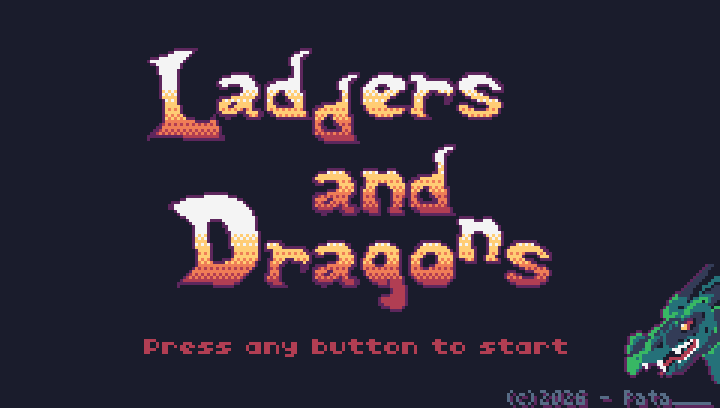
The default cart is great, but the real "oh, I get it now" moment is writing something from nothing. Here is a complete, working game. It is a ball bouncing around the screen. Paste it over a fresh new lua cart and run it:
-- a bouncing ball

x=120
y=68
dx=1.5
dy=1.0

function TIC()
  -- move
  x=x+dx
  y=y+dy

  -- bounce off the walls
  if x<4 or x>235 then dx=-dx end
  if y<4 or y>131 then dy=-dy end

  -- draw
  cls(0)
  circ(x, y, 4, 12)
  print("bounce!", 4, 4, 12)
end
Four variables, one update, one draw. circ(x, y, 4, 12) is "draw a filled circle of radius 4 in color 12 (light blue)." Flip a sign when the ball hits an edge and it bounces forever. There is no scene graph, no physics library, no build step. The whole game fits on screen and you can read every line.
Now make it a game in about three more lines. Add a paddle you control and check if the ball gets past it:
-- ...keep the variables above, then:

px=110  -- paddle x

function TIC()
  x=x+dx
  y=y+dy
  if x<4 or x>235 then dx=-dx end
  if y<4 then dy=-dy end

  -- move the paddle with left/right
  if btn(2) then px=px-2 end
  if btn(3) then px=px+2 end

  -- bounce off the paddle near the bottom
  if y>126 and x>px and x<px+40 then dy=-dy end

  cls(0)
  rect(px, 130, 40, 4, 14)  -- paddle
  circ(x, y, 4, 12)         -- ball
end
That is a one-paddle break-the-wall game in well under 30 lines, and you never left the editor to make it. This is the thing I can't get across with words alone: in TIC-80 the distance between an idea and a thing you can play is measured in minutes.
If you want to watch the editor-driven workflow in motion, this overview is a good companion:
A big reason it stays fast is that TIC-80 isn't just a code editor. The whole studio is bundled in:
You switch between them right inside the app, draw a sprite, drop it on the map, write the code that reads the map, and run the whole thing without touching a single external file. When you're done, the console saves it all into one .tic cartridge. Art, code, sound, levels, everything, in a single small file you can hand to a friend.
The console itself is where a lot of the day-to-day happens. A few commands you'll use constantly:
new lua        -- start a fresh Lua cartridge
run            -- run the current cart (Ctrl+R)
save game.tic  -- save your cartridge
load game.tic  -- load it back
surf           -- browse and play installed carts
folder         -- open the folder where carts live
There is something genuinely calming about a tool where "save" produces one file and "the game" is that file.
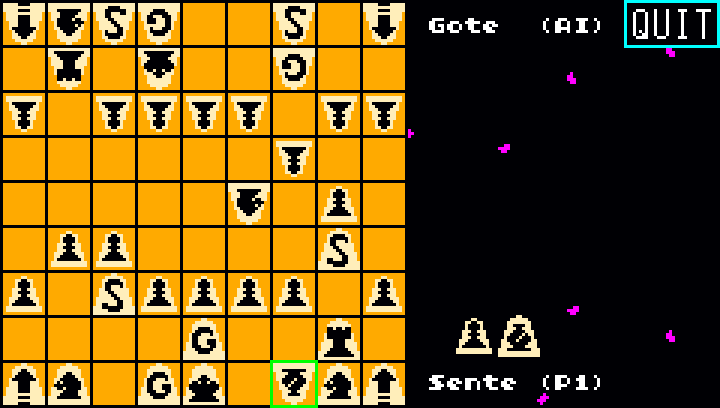
This is the headline feature for a lot of people, and it earns the attention. Lua is the default and the one most tutorials use, but TIC-80 also runs MoonScript, JavaScript, Ruby, Wren, Fennel, Squirrel, Janet, and Python. Nine languages on the same little machine.
In practice that means you don't have to learn a new language just to play with a fantasy console. If you already write JavaScript or Python at work, you can start tonight with the syntax in your fingers and only learn the TIC-80 part, which is really just "what do I put in TIC() and which draw functions exist." The constraints stay exactly the same in every language. Only the way you type a loop changes.
TIC-80 is part of a small family of fantasy consoles that also includes PixelVision8, WASM-4, and LIKO-12. They all share the same basic bet: pick a tiny pretend hardware target on purpose, and let the limits do some of the design work for you.
What makes TIC-80 stand out to me is that it feels like a complete little workshop rather than just a runtime. The built-in editors, the one-file cartridge, and that unusually long list of languages add up to something you can sit down with and not leave for a whole evening. Some other consoles are more focused, one language, one way to ship, and that focus can be a strength too. I wouldn't tell anyone one of these is "the best." I'd ask what you want to make and which set of limits sounds fun rather than annoying. For a lot of beginners, TIC-80's "everything's already here, just type" answer is the easiest yes.
The core program is MIT-licensed, free, and open source. There's also an optional paid PRO version on itch.io that adds extras like saving carts in a text format (handy if you want to keep your game in Git) and exporting to more formats. The free version is the real, full project though, and it is more than enough to make and share complete games. If you're curious about the current PRO details or price, check the official itch.io page, since that kind of thing can change.
My honest advice: don't plan. Open the browser version or install the desktop app, type new lua, hit run, and start poking at the demo cart until it does something you didn't expect. Change cls(13) to cls(2) and watch the background change. Bump the movement numbers. Swap spr for the bouncing circ above. You'll learn more in twenty minutes of breaking things than in any amount of reading, including this article. When you want the exact, current details, the official site and repository are the sources to trust.
The full source lives on GitHub, and the card below links straight to it:
And if you just want to see how fast a small Lua game comes together, this one builds something playable in about three minutes: